 InviteBatch team
In this guide
The short answer: to get printable 5x7 wedding invitations with each guest's name on them, pick a design on InviteBatch, paste your guest list, and download one print-ready invitation per guest. It takes about 2 minutes for 100 guests, costs $49.99 one-time, and you can print the PDFs at home, at any print shop near you, or with an online printer.
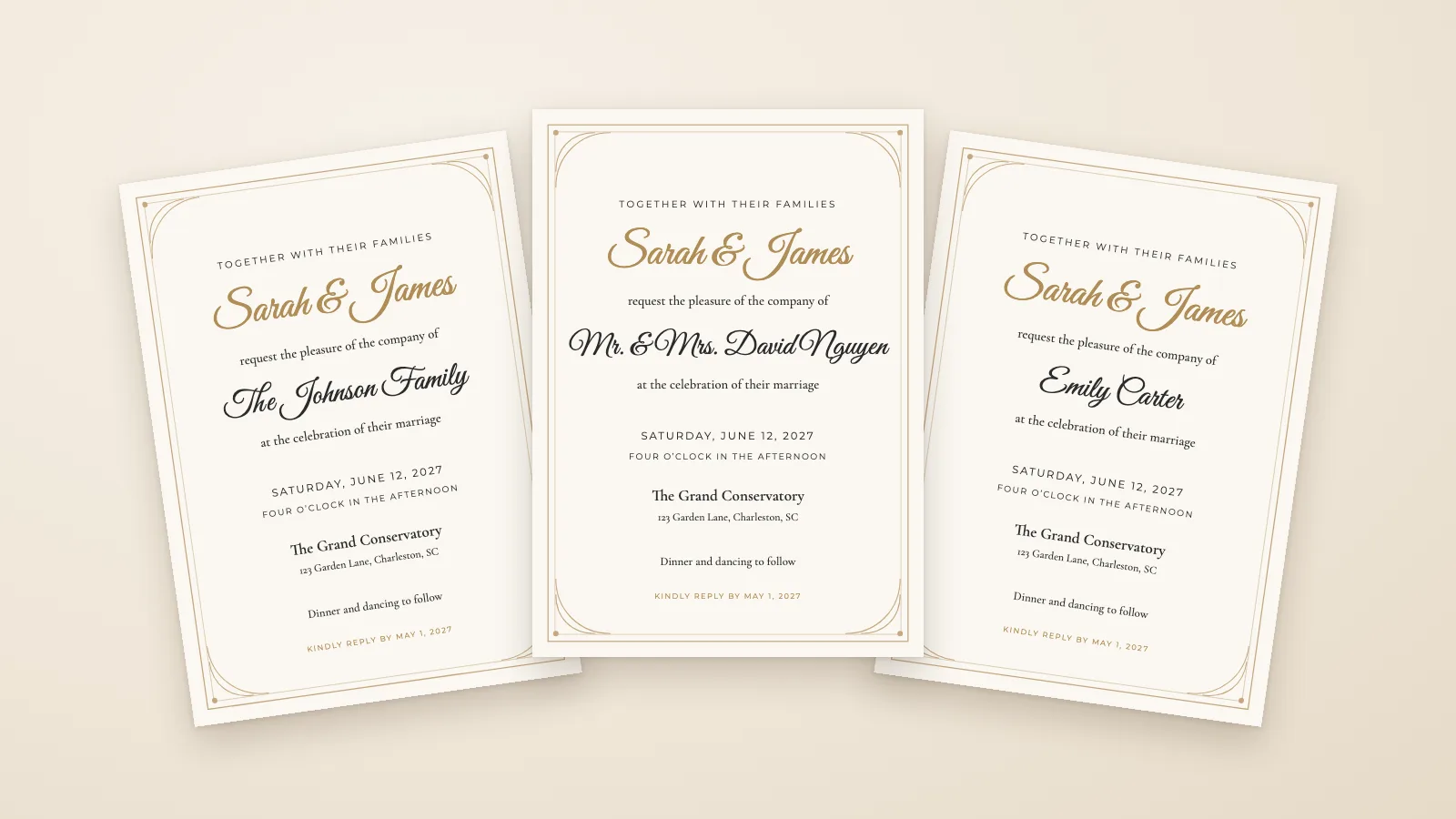
Putting each guest's name on their invitation usually means writing them by hand or editing one copy of the design per guest in Canva or Word. Below is the faster way, followed by where to print the cards, which envelopes to buy and what it costs.
What you get with InviteBatch
InviteBatch is a website that turns one invitation design and your guest list into one personalized invitation per guest. One order includes:
- One invitation per guest with their name on it, sized 5x7 inches (127 x 178 mm)
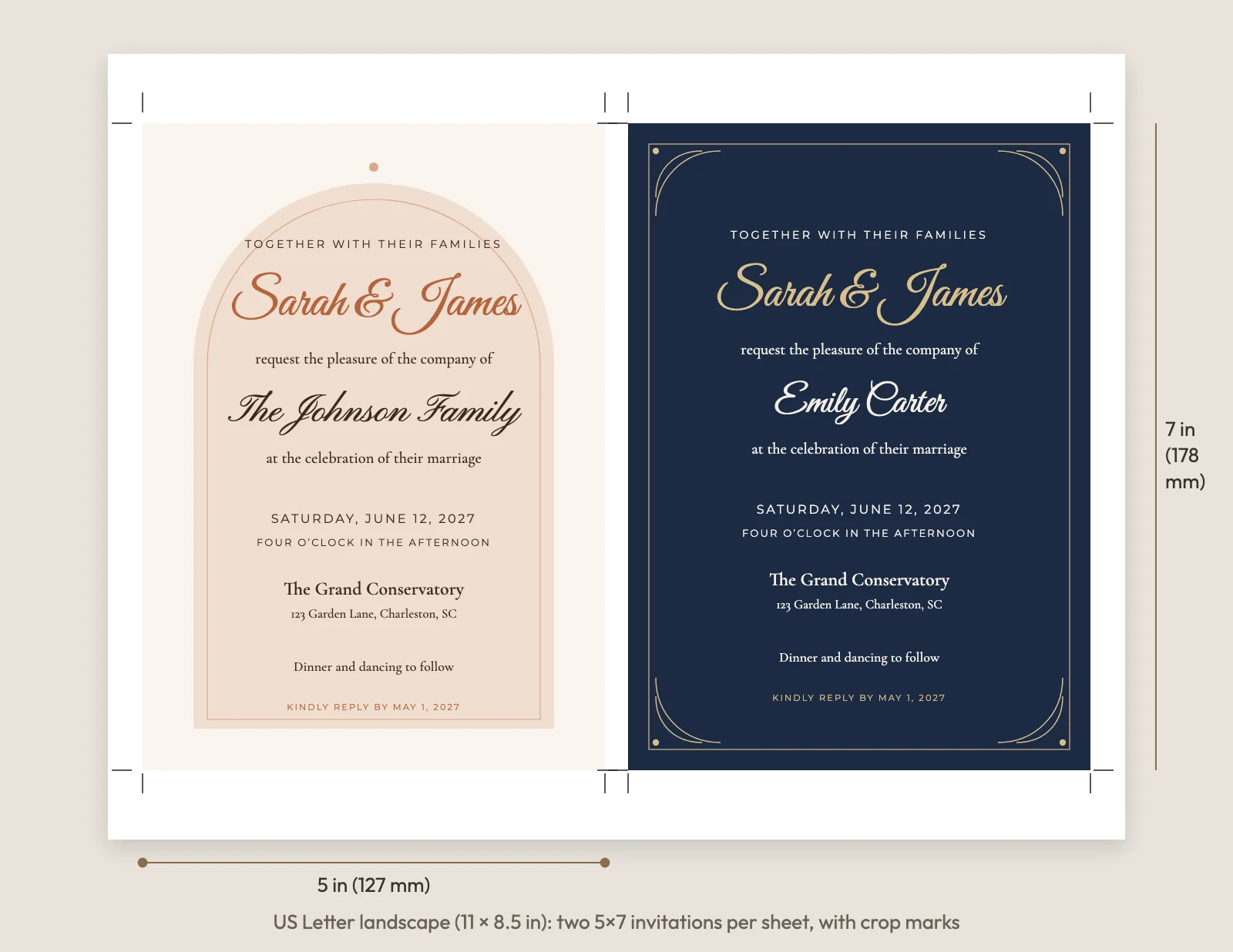
- Three print formats: an all-in-one PDF (one invitation per page, for print shops), print sheets with two invitations per US Letter or A4 page with crop marks (for home printing), and a ZIP with one PDF per guest
- A personal digital invitation link for every guest, to send by WhatsApp, text or email, with online RSVP (attendance, meal choice, dietary needs and your own questions)
- An RSVP dashboard with live replies, reminders and CSV export
- The rest of the suite: RSVP cards with a personal QR code, A7 envelope addressing, Avery address labels and matching thank-you cards
- Price: $49.99 one-time, for one event and up to 1,000 invitations. No subscription and no account needed
- Free preview of every card with your real names before you pay, free edits for 7 days after you buy, and a full refund within 7 days
There is no printing or shipping. You keep full control of the paper, the printer and the price.
How to put every guest's name on your invitations
- Choose a design. Browse the wedding invitation templates and open one in the editor.
- Add your details. Names, date, time, venue, address and RSVP date. Change the name font and colors if you like.
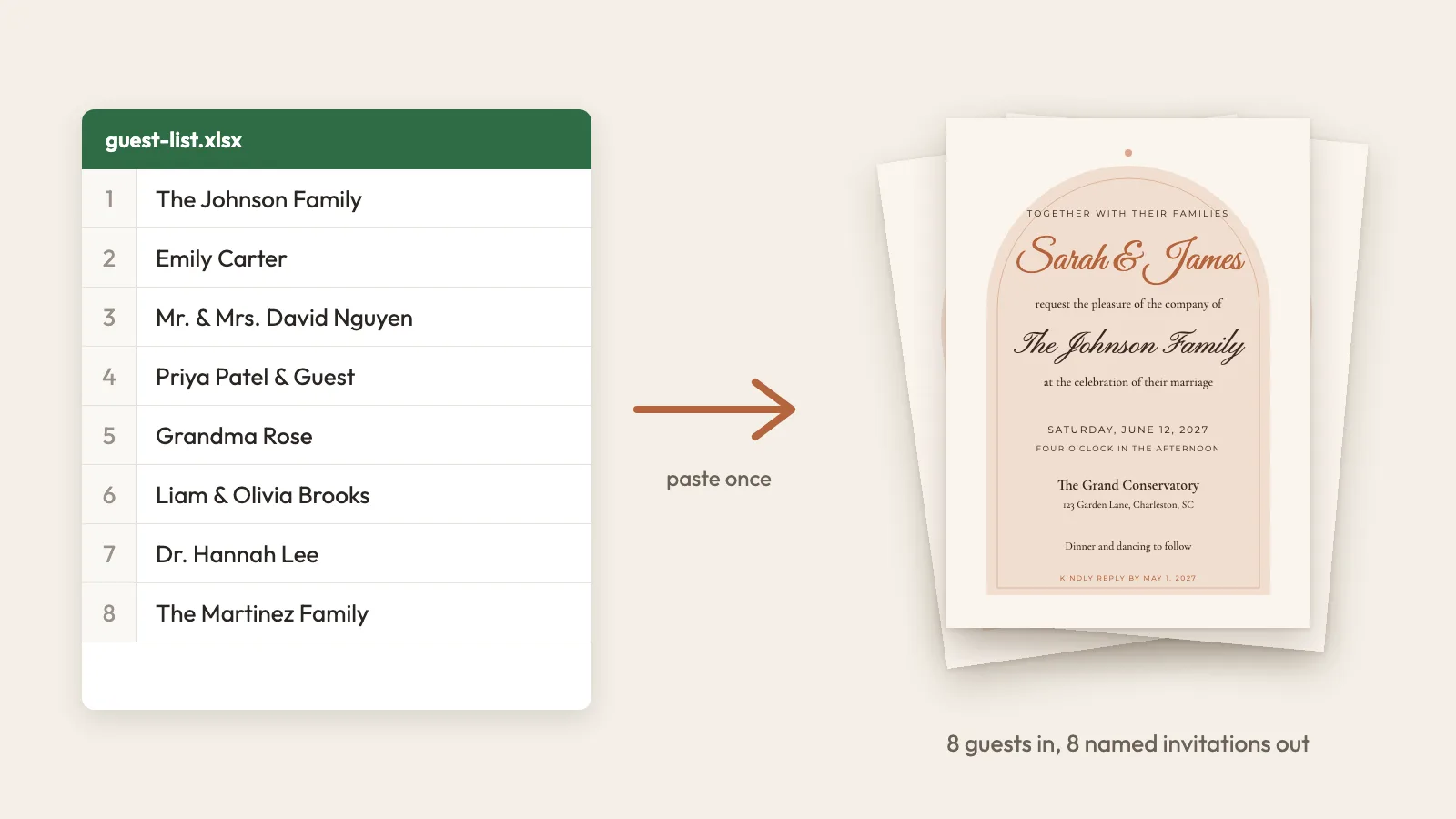
- Paste your guest list. One invitation per line, written exactly as it should print. Copy it straight from Excel, Google Sheets, Notes or a WhatsApp message. Duplicates are removed and likely typos are flagged.
- Check the preview. Scroll through every card with the real names on it. This is free.
- Pay and download. Choose the print format that matches where you will print.
Not sure how to write couples, families or plus-ones? Our guide on how to write guest names on wedding invitations has copy-ready examples.
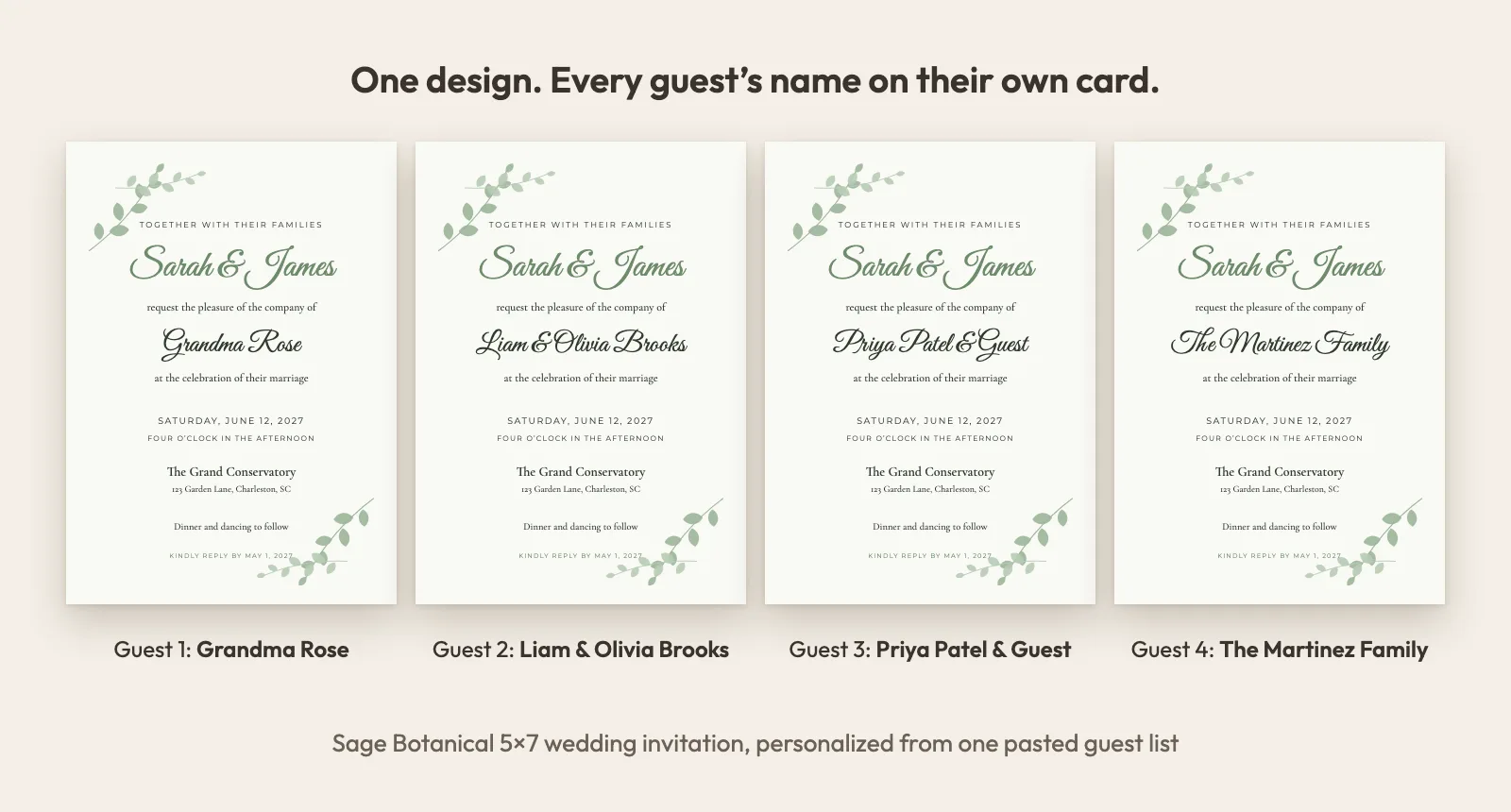
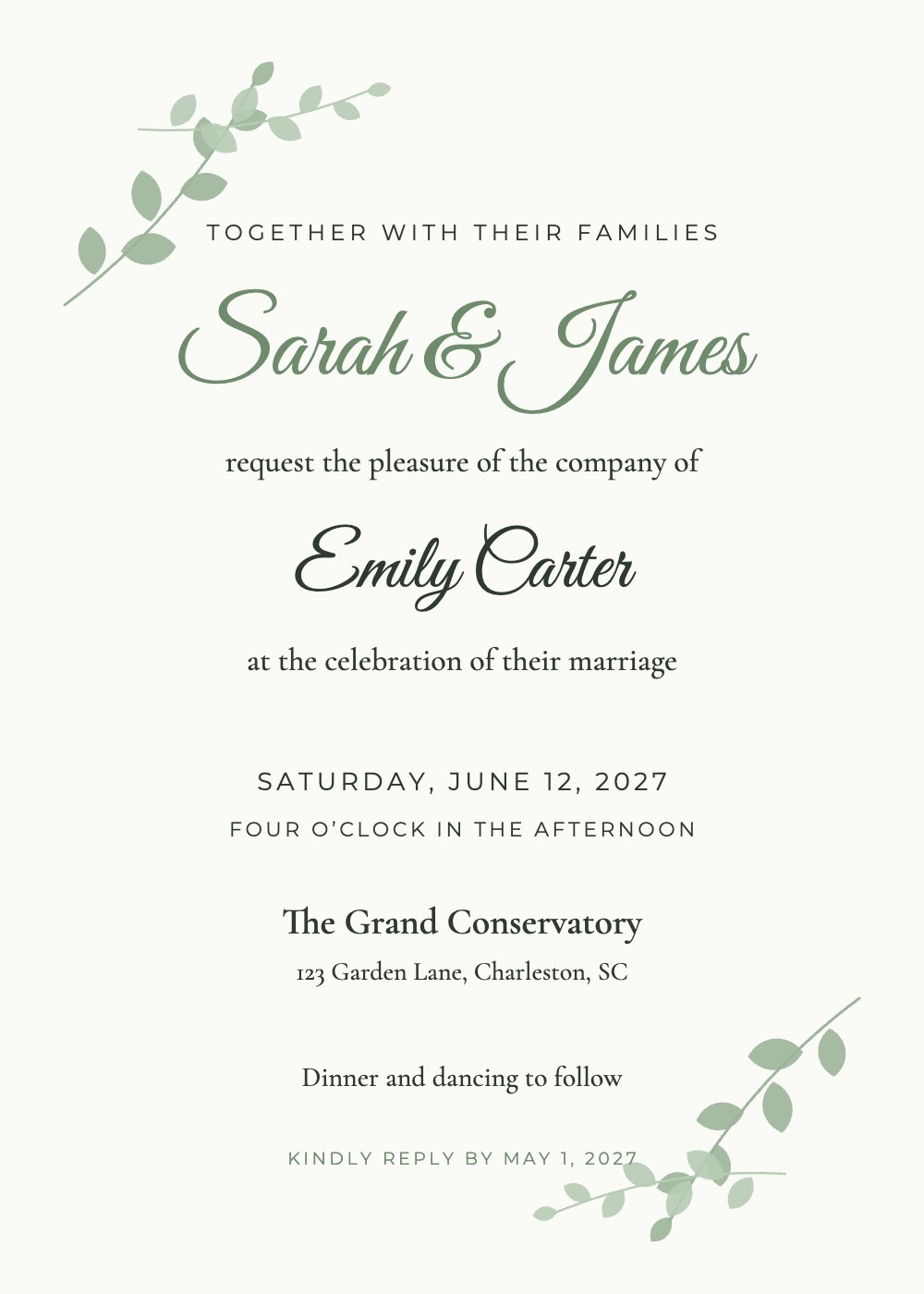
Sage Botanical
Wedding
Where to print wedding invitations near you
You have three good options. Pick by quantity, budget and how close the wedding is.
| Home printer | Local print shop | Online printer | |
|---|---|---|---|
| Best for | Up to about 100 cards | Fast turnaround, heavy paper | Premium paper and finishes |
| File to use | Print sheets (2 per page) | All-in-one PDF | All-in-one PDF or one PDF per guest |
| Paper | Up to your printer's limit, often 80–110 lb cover | Usually 100–130 lb cover | Wide choice, including cotton and foil |
| Turnaround | Same day | Same day to a few days | Usually several days plus shipping |
| Proof | Test print on plain paper | Ask for one printed proof | Digital proof, sometimes a printed sample |
At home
Download the print sheets: two 5x7 invitations on each landscape US Letter or A4 page, with crop marks at the corners. Print at 100% scale on cardstock, then trim along the marks. The full walkthrough, with paper weights and printer settings, is in how to print wedding invitations at home.
At a print shop near you
Searching "wedding invite printing near me" will bring up print and copy centers like Staples, FedEx Office and The UPS Store, plus independent print shops. All of them can print from a PDF. At the time of writing, Staples offers same-day pickup on select 5x7 flat cards ordered by 12 pm, with blank envelopes included.
What to ask for at the counter:
- "5x7 flat cards, trimmed, from this PDF, one copy of each page." Since every page is a different guest, one copy per page is the whole job.
- The heaviest stock they have, usually 100–130 lb cover. Matte or felt finishes look more like wedding stationery than gloss.
- One printed proof first. Check spelling, color and how close the design sits to the edge.
- Use the all-in-one PDF. Its backgrounds are 300 dpi and the text is vector, so names stay sharp at any size.
Our PDFs are exactly 5x7 with no bleed (no extra background past the trim line). Light designs like Classic Gold Frame or Sage Botanical are very forgiving. For dark, full-color designs like Navy & Gold, ask the shop to trim carefully, or print the Letter or A4 sheets and trim a hair inside the crop marks so no white edge shows.
With an online printer (upload and print)
If you search "upload and print wedding invitations", you will find online printers that accept your own file. The thing to check is whether they can print a different file on each card.
- MOO has a feature called Printfinity: you can print a different design on every card in a pack, up to 25 per pack, at no extra cost. MOO sells a 5x7 (Medium) size, so you can upload one named invitation per guest (the all-in-one PDF has one guest per page). For 100 guests that is four packs. Check MOO's file and bleed requirements first, since our files have no bleed.
- Many other online printers print one design many times. Read the upload page or ask support before you order.
Envelopes for 5x7 invitations
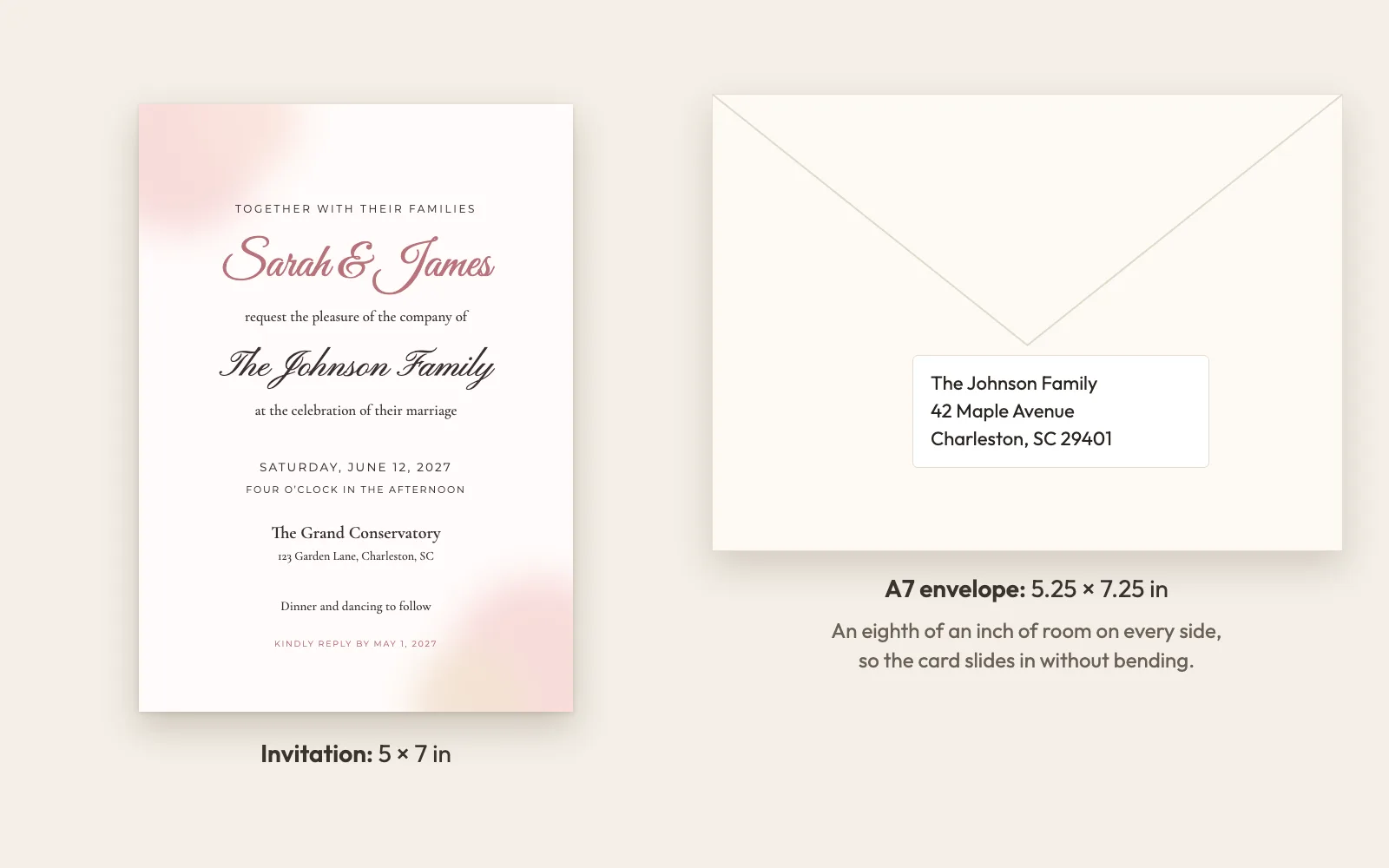
A 5x7 invitation goes in an A7 envelope, which measures 5.25 x 7.25 inches. Office stores and online paper shops sell them in packs of 25 to 100, in white, ivory, kraft and colors.
To address them, InviteBatch gives you two options from the same guest list:
- Printed envelopes: one A7 envelope per page, for printers with an envelope feed
- Address labels: Avery 5160 (US Letter, 30 per sheet) or Avery L7160 (A4, 21 per sheet)
A standard 5x7 invitation in an A7 envelope usually mails with one regular stamp in the US. Square envelopes, wax seals, ribbons or extra inserts can push it into a higher price, so weigh one finished invitation at the post office before you buy stamps for all of them.
Can you print gold foil invitations?
Not on a regular home printer. Inkjet and laser printers print gold-colored ink, which looks flat next to real foil. You have three choices:
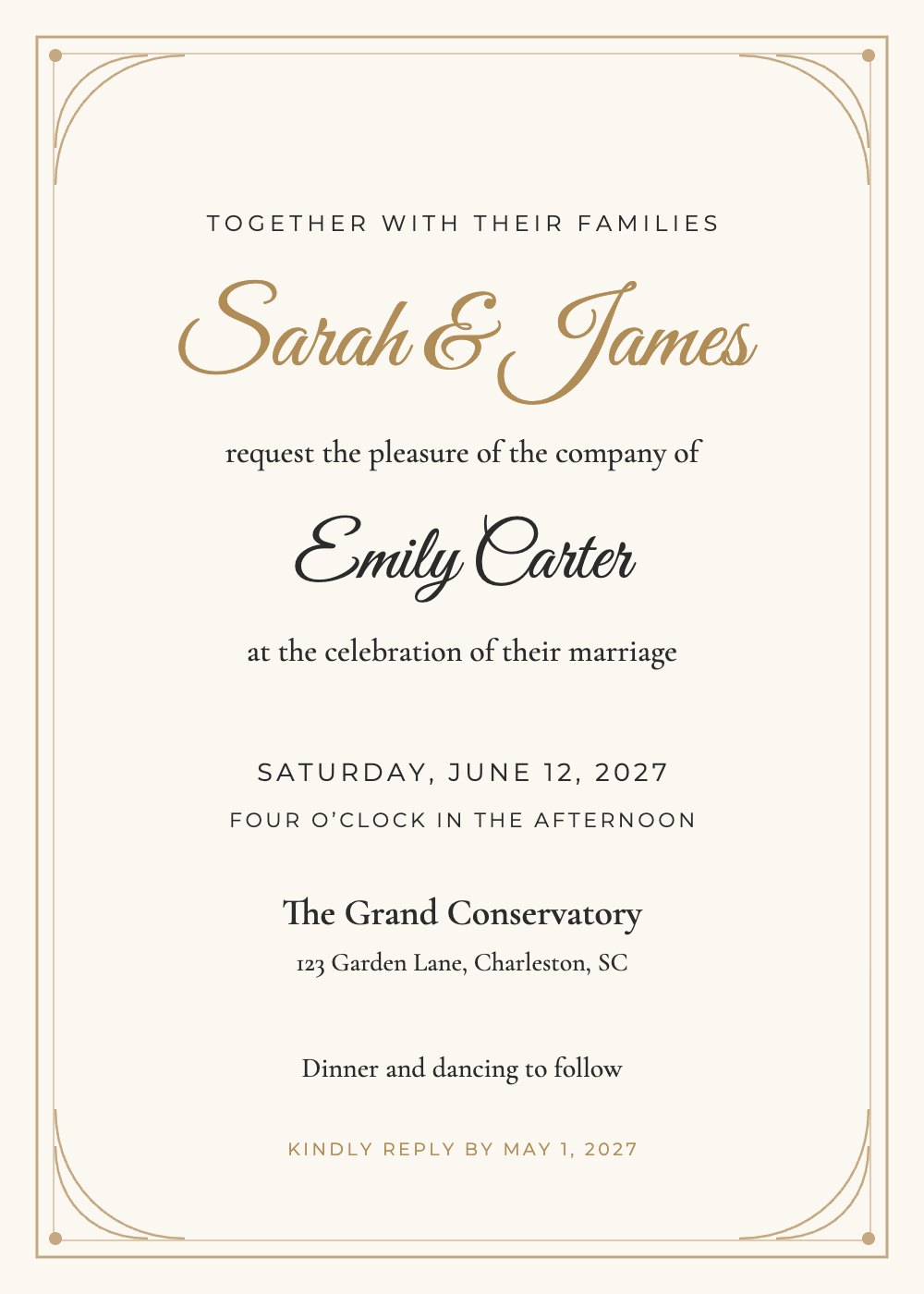
- Choose a gold-colored design like Classic Gold Frame or Navy & Gold. Printed on a warm ivory or pearl cardstock, it looks elegant without foil.
- DIY foil with a laser printer. Toner-reactive foil sticks to laser toner when it goes through a laminator. It works best on bold lines and large script, so it suits the couple's names more than small details.
- Ask a print shop for foil. Many local and online printers offer foil stamping or digital foil. Send them the PDF and ask which parts can be foiled.
Classic Gold Frame
Wedding
What it really costs
For 100 guests, a typical budget looks like this:
- InviteBatch: $49.99 one-time, covering every named invitation plus the digital invitations, RSVP tracking, RSVP cards, envelope addressing, labels and thank-you cards
- Printing: home printing costs cardstock and ink. A print shop charges per card, and prices vary a lot by paper and city, so ask for a quote on 100 flat 5x7 cards before you commit
- Envelopes and stamps: A7 envelopes plus one stamp per invitation in most cases
Compare that with ordering personalized stationery card by card, or spending an evening editing one file per guest. If you only need paper invitations for some guests, you can print for them and send the personal digital link to everyone else. Both come with the same order.
Mistakes to avoid
- Printing before checking names. Use the free preview, then do one test print. Fixing a name costs nothing for 7 days after you buy; reprinting 100 cards does.
- "Fit to page" in the print dialog. It shrinks the cards. Always print at 100% or Actual size.
- Ordering envelopes too small. 5x7 envelopes are too tight. Buy A7.
- Leaving printing to the last week. Send invitations six to eight weeks before the wedding. Our invitation and RSVP timeline has the full schedule.
Start with your guest list
Pick a design, paste your names and look through every invitation before you pay anything. If you like what you see, download the PDFs and print them wherever suits you. Browse wedding invitation designs or read more about wedding invitations with guest names.