5×7 card
An insert in the invitation envelope
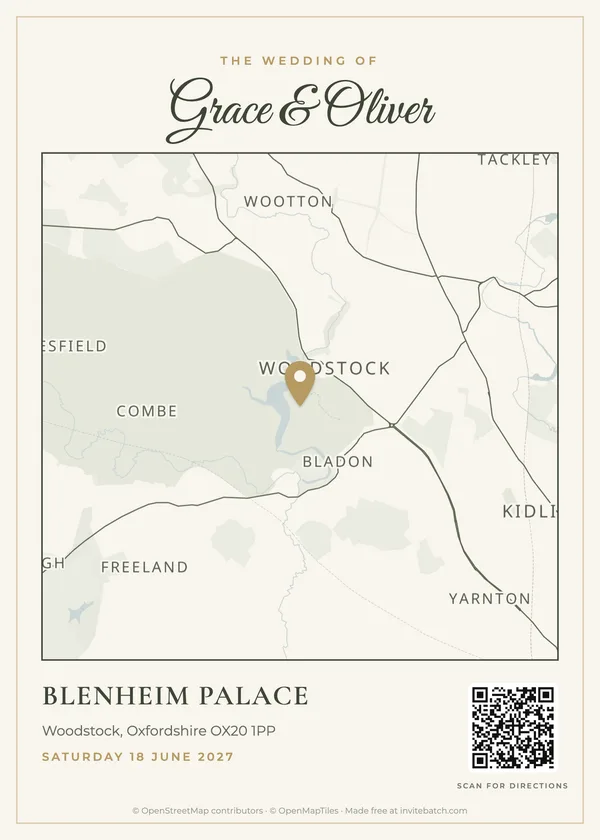
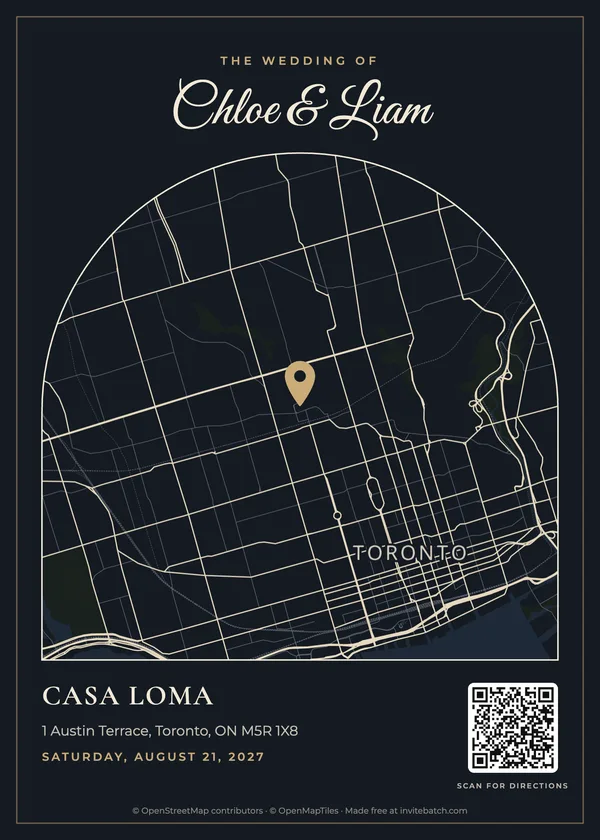
The classic choice. Same size as a 5×7 invitation, so it stacks neatly behind it. Turn the QR code on so guests can open directions on their phone.
Free · No sign-up · No watermark
Search your venue, choose how much of the area to show, add a QR code for directions, and download a print-ready 5×7 map card for your invitations.
Made with this tool in under a minute each. Real venues, real map data.
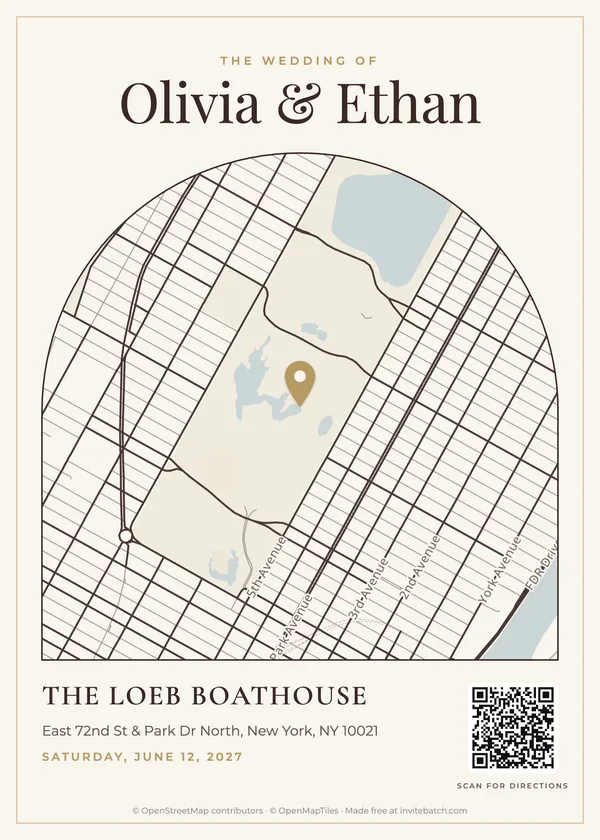
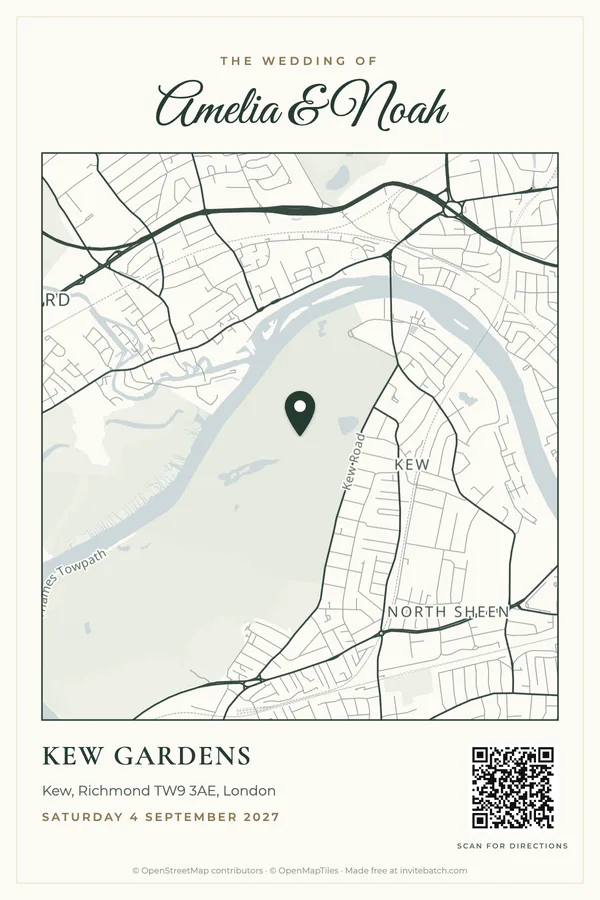
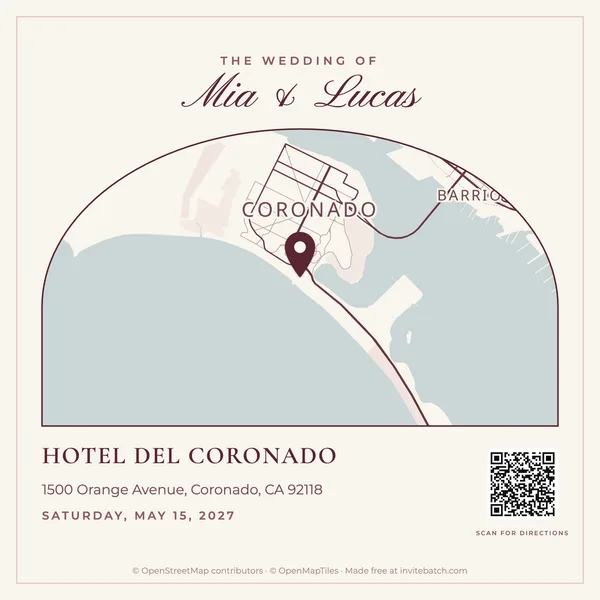
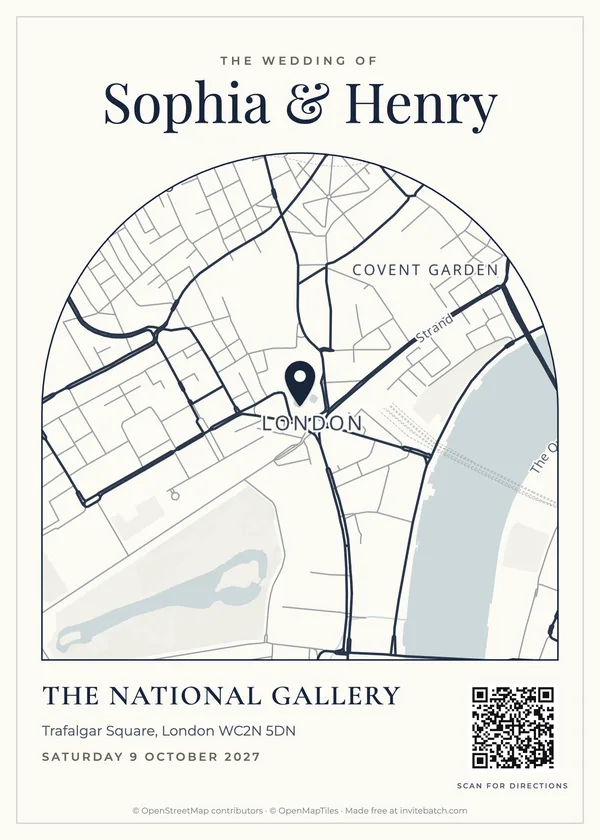
5×7 card
The classic choice. Same size as a 5×7 invitation, so it stacks neatly behind it. Turn the QR code on so guests can open directions on their phone.
4×6 card
Slightly smaller, so it sits in front of the invitation. Good when your invitation already lists the address and the map is a helpful extra.
Square
Add it to your wedding website’s travel page, or text it to guests the week before. 2000 × 2000 px stays sharp on any screen.
| Printed map | Link only | |
|---|---|---|
| Fits a paper invitation | Yes | Needs a QR code |
| Matches your design | Yes | No |
| Turn-by-turn directions | Via the QR code | Yes |
| Works with no signal | Yes | No |
Use both: a printed map with a QR code gives guests the picture and the directions.
Yes. Search your venue, style the map and download it as a 300 dpi PNG (or a 5×7 / 4×6 PDF) with no account and no watermark. At the bottom we add one small line: the map data credit that OpenStreetMap requires on every map, plus “Made free at invitebatch.com”.
Yes. The 5×7 card downloads at 1500 × 2100 pixels and the 4×6 card at 1200 × 1800 pixels, which is 300 dpi: the resolution print shops ask for. Print at 100% (actual size) on matte cardstock, 80–110 lb (216–300 gsm).
It opens Google Maps with directions to the pin on your map. Guests scan it with their phone camera, so nobody has to type an address. Test it with your own phone before you print.
Search the town or street instead, then drag the map so your venue is in the middle and press “Pin here”. You can type the venue name and address yourself in step 4.
Not yet. Each map has one pin. If your ceremony and reception are in different places, make one card for each (it takes a minute) or choose a wider area that covers both.
No. The map is drawn in your browser and your text never leaves your device. Venue searches pass through our server to the OpenStreetMap search service (Photon) so your IP address is not shared with them; we don’t store what you searched. Map images load from OpenFreeMap.
From OpenStreetMap, the open map of the world built by volunteers, served by OpenFreeMap. That is why every map carries the line “© OpenStreetMap contributors · © OpenMapTiles”.
Yes. When you create your invitation with InviteBatch ($49.99 one-time, up to 1,000 guests), the map card is part of your stationery suite and uses your invitation’s own colors, fonts and paper, together with RSVP cards with QR codes, envelopes, address labels and thank-you cards.
Updated · Map data © OpenStreetMap contributors · Tiles by OpenFreeMap © OpenMapTiles