Classic Gold Frame
Wedding
Every guest gets a personal invitation link with their name on it. They reply per person with meal choice and dietary needs, and your dashboard keeps the totals for you.
Updated · by the InviteBatch team
InviteBatch collects wedding RSVPs online through a personal link for each guest. Guests answer per person (attending, meal choice, dietary needs, up to 3 custom questions) without an account. You see live totals, send reminders and export a CSV. Included with the invitations for £24.99 one-time, up to 1,000 guests.
How it works
Date, venue and wording. Change fonts and colors to match your wedding.
From Excel, Google Sheets, Notes or WhatsApp. Duplicates and families are spotted for you.
Free watermarked preview with every real name. Pay £24.99 once to get the files and links.
Chasing RSVPs by text and spreadsheet is the least fun part of planning a wedding. With InviteBatch every guest gets a personal invitation link with their name on it and a simple RSVP form, and every answer lands in your dashboard automatically.
Keep one master list with a row for every invitation and, for each person on it, a status (attending, declined, no reply yet), their meal choice and any dietary needs. Whatever tool you use, every reply should end up in that one list, so you always know your headcount and who to remind. There are three common ways to do it:
Track replies as they arrive, check the list a week before your RSVP deadline, and remind only the guests marked "no reply".
Many couples print invitations for grandparents and send links to everyone else. Your order includes both, with every guest's name on their invitation, for one price of £24.99. See how electronic wedding invitations with RSVP work for the guests you invite by link, or compare printable RSVP cards and online forms in our wedding RSVP templates guide.
Wedding
Everything in one order
£24.99 one-time · up to 1,000 guests
One PDF per guest (ZIP), one combined PDF for the print shop, and print sheets with two 5x7 invitations per US Letter or A4 page with crop marks.
Send by WhatsApp, text or email in one tap. The preview shows the guest’s own name.
Per-person replies, plus-ones, meals, dietary needs, reminders and CSV export.
RSVP cards with a personal QR code, a venue map card with QR directions, envelopes, Avery address labels and thank-you cards.
Messy lists are tidied: capitals fixed, duplicates removed, families grouped, typos flagged.
Free edits for 7 days. Fix a typo or add late guests and download again. Not happy? Full refund within 7 days.
Pricing
No per-card fee and no subscription. The bigger your list, the less each invitation costs.
| Guests | Per invitation |
|---|---|
| 50 | ≈ £0.50 |
| 100 | ≈ £0.25 |
| 150 | ≈ £0.17 |
| 200 | ≈ £0.12 |
Printing costs are separate if you print.
Unlimited batch
£24.99one-time
per event · up to 1,000 guests
Pay only when you download · Card, Apple Pay, Google Pay · 7-day refund
Only need one card for everyone?
£5.99one invitation, download
Keep one name line, like “Family & Friends”. Print-ready PDF, home-print sheets and a phone image for WhatsApp. Nothing is shipped. Final sale, so check the free preview first. Add guests later and pay only the difference to £24.99.
Make one card →Want it printed and posted?
£2.01 a card at 100 cardsplus delivery
7×5″ cards with envelopes, printed by our print partner and delivered to the UK, US, Canada and 13 EU countries. Use your design from the editor or upload your own.
See print prices → Grand Venue SketchPersonalize free →
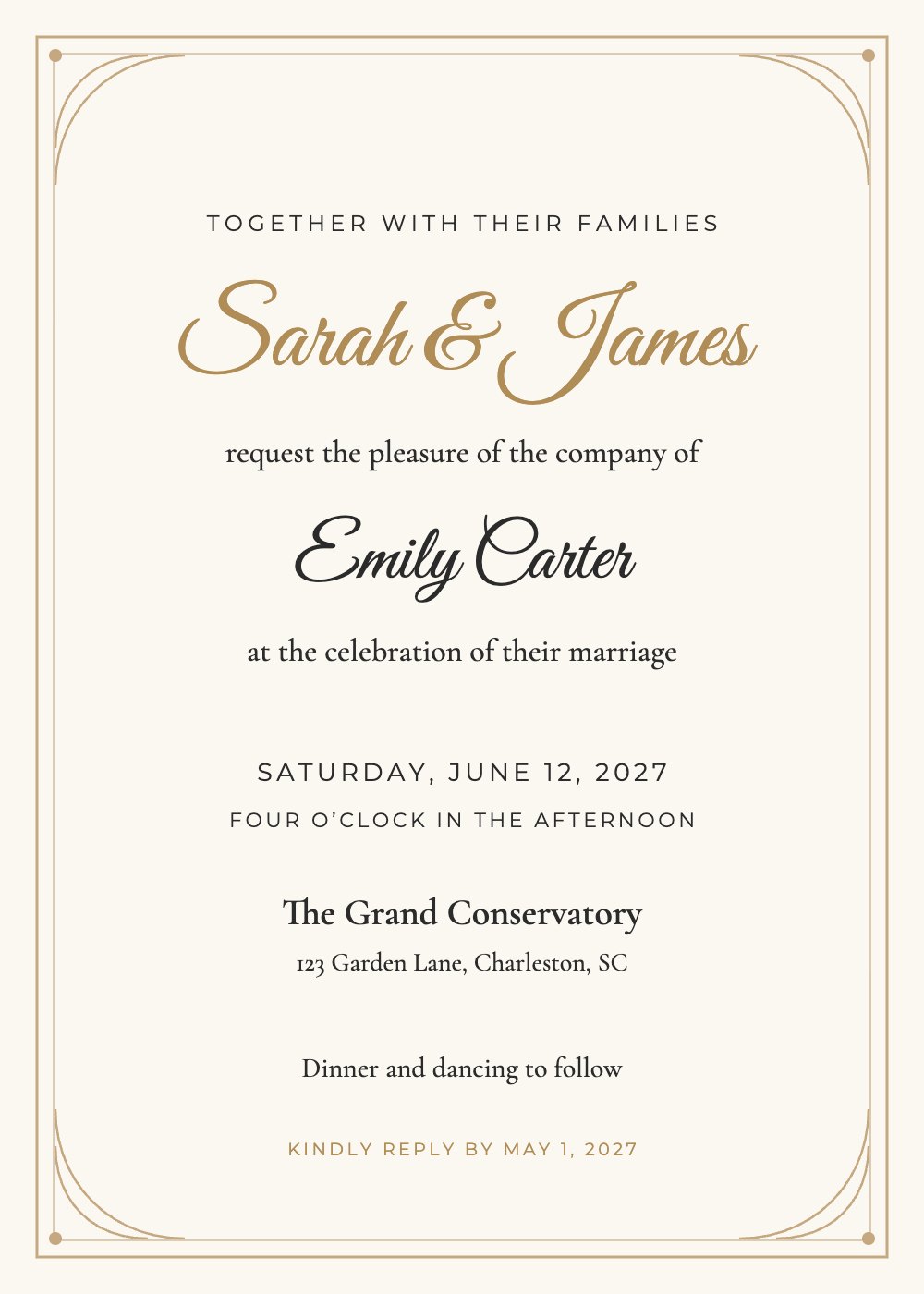 Classic Gold FramePersonalize free →
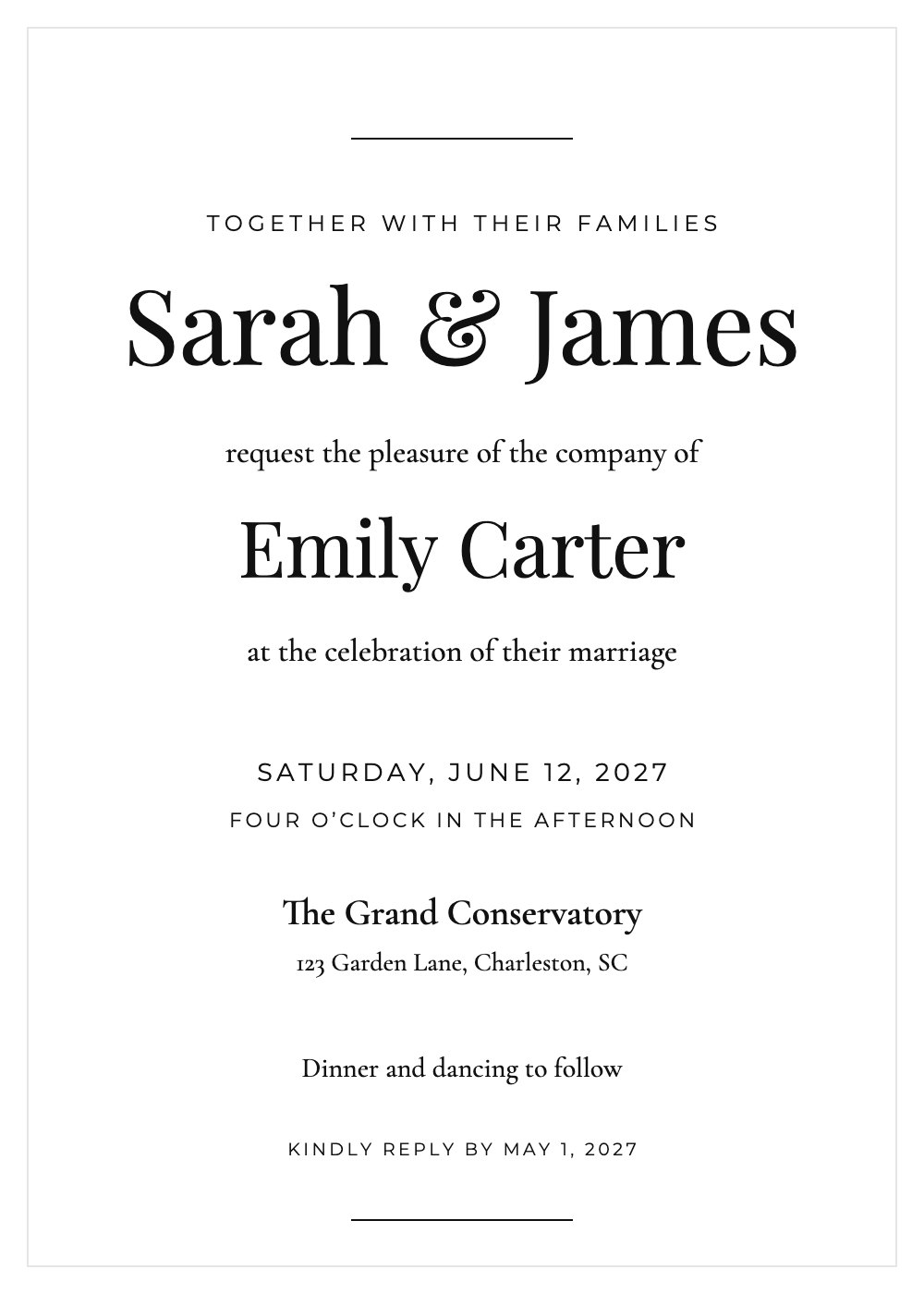 Modern MinimalPersonalize free →
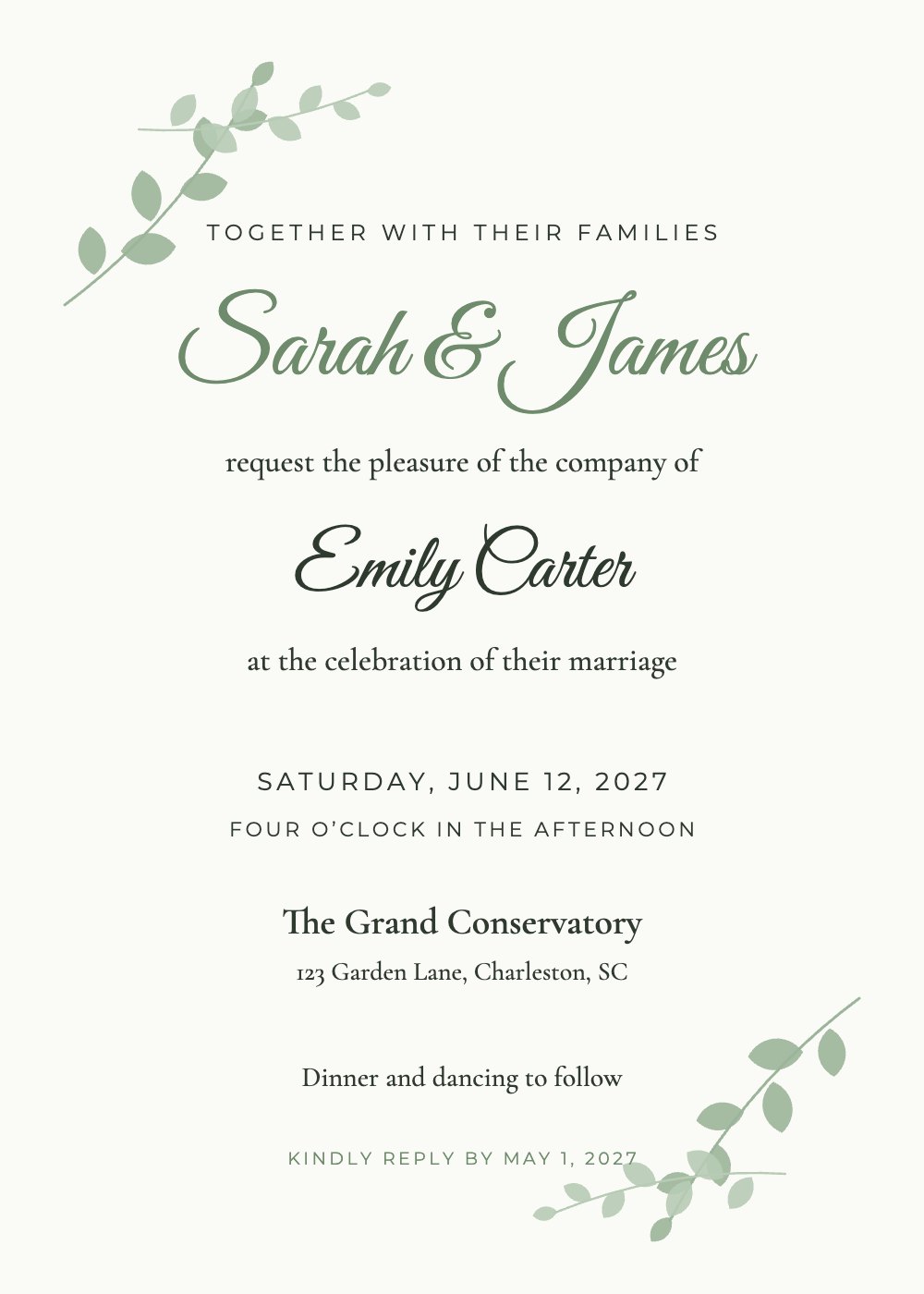 Sage BotanicalPersonalize free →
 Blush WatercolorPersonalize free →
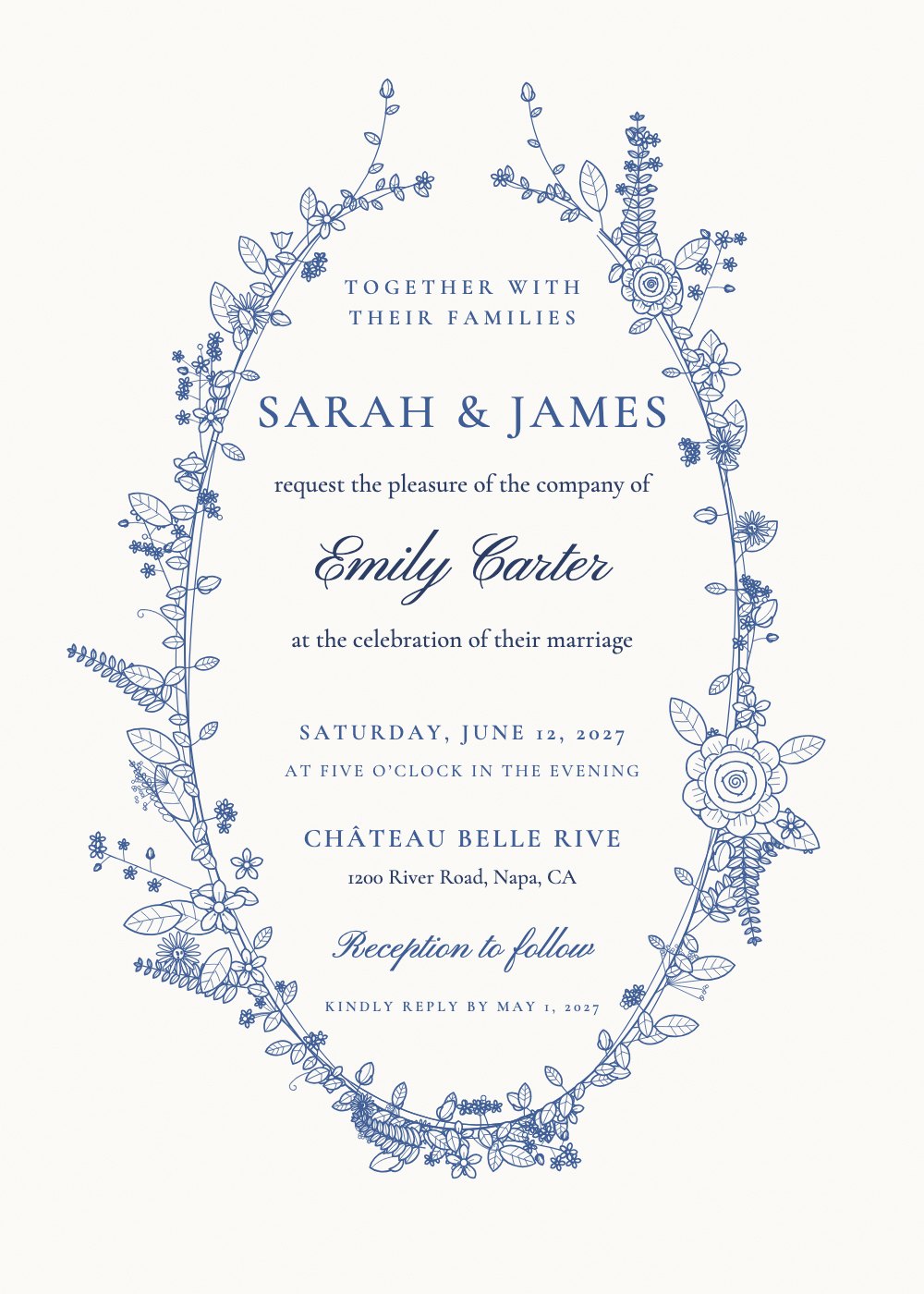 French Vintage Blue FloralPersonalize free →
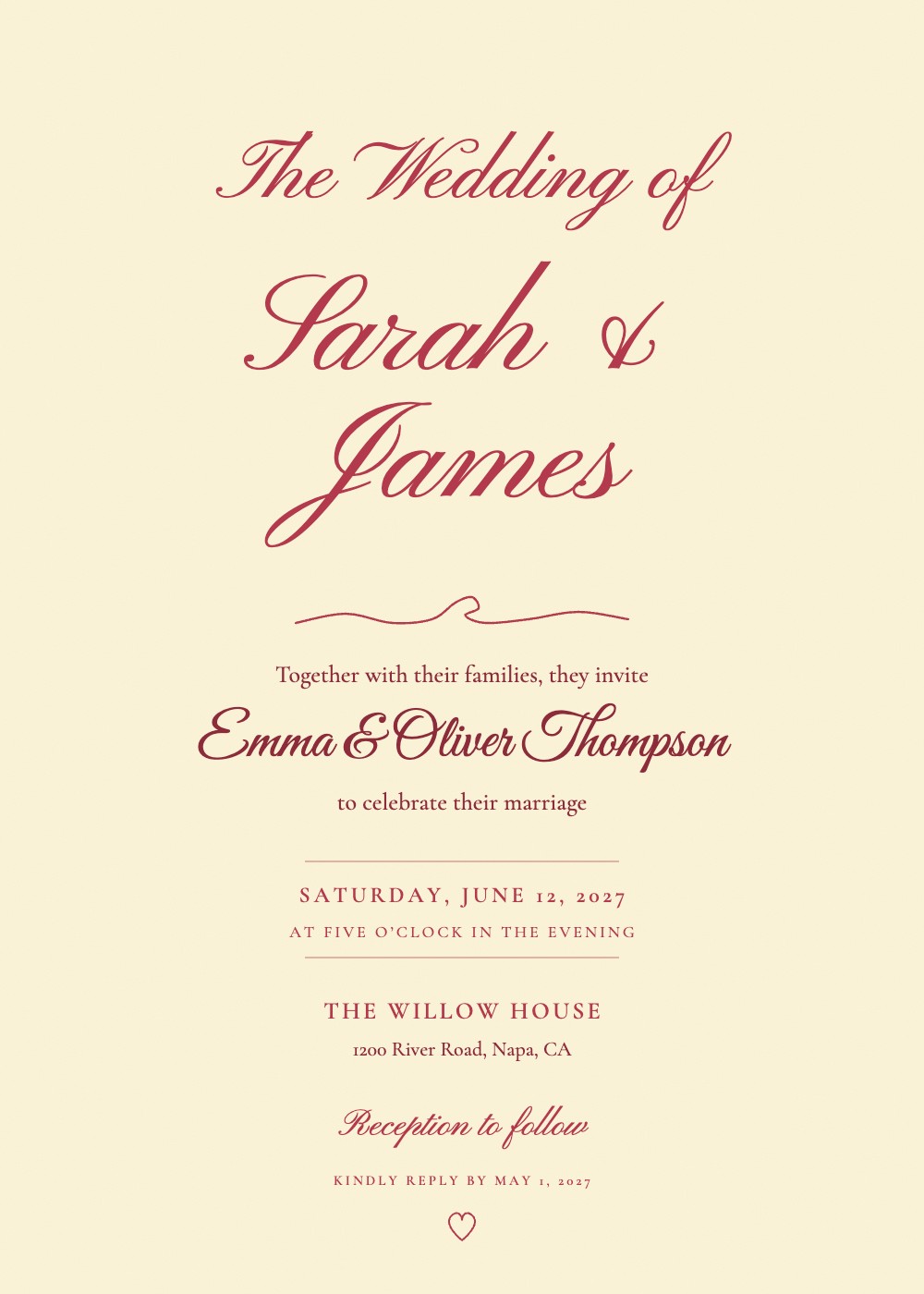 Love Letter ScriptPersonalize free →
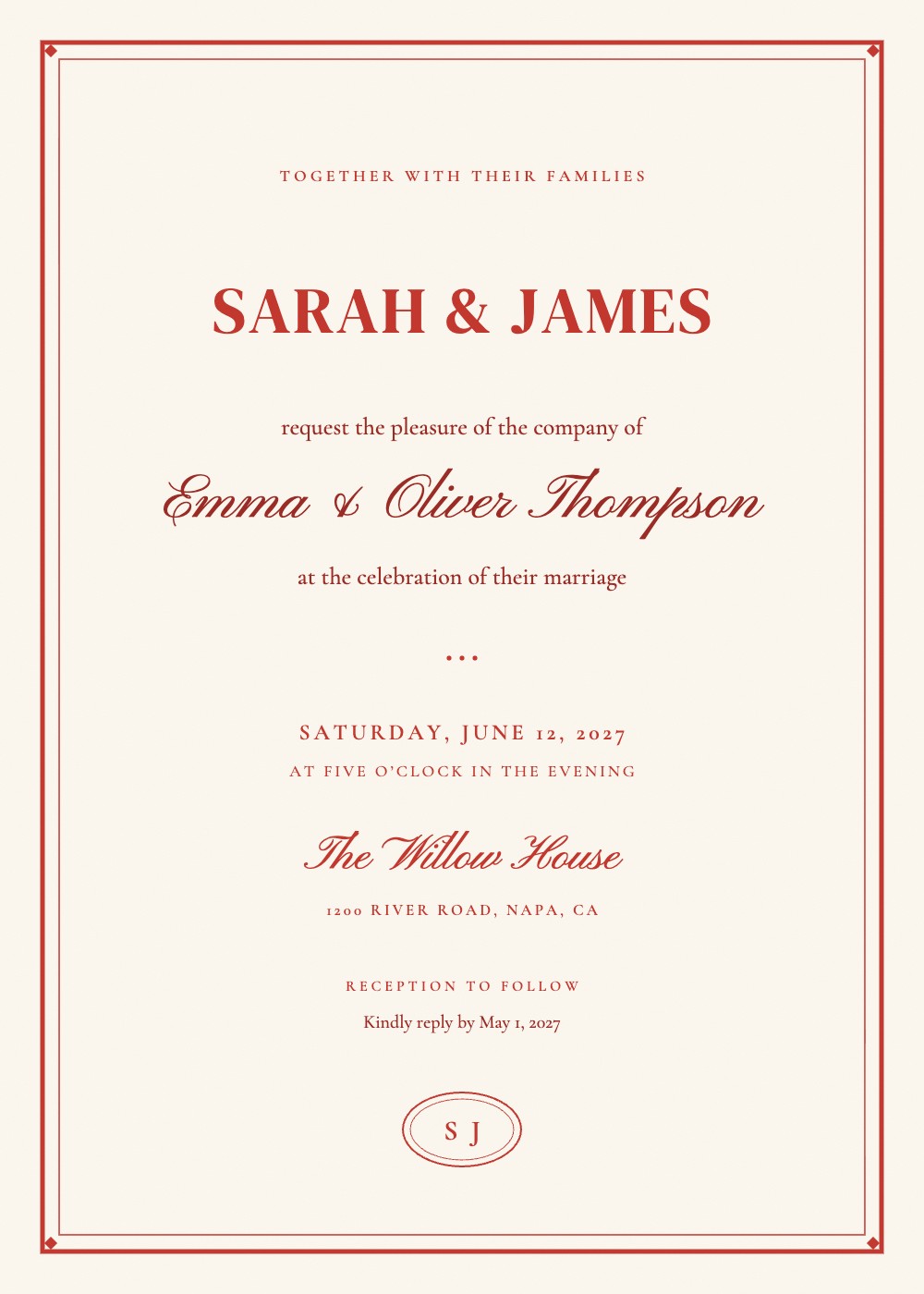 Cherry Double RulePersonalize free →
Each invitation has its own private link. Guests open it, see their invitation with their name, and answer for each person in their household. No app or account needed.
Yes. Guests can open the same link and update their reply at any time before your deadline.
Yes. Print the invitations and send the personal links by text or email, or add a line on the card asking guests to reply online.
Your dashboard counts attending guests and meal choices per event, and you can export everything to a spreadsheet (CSV).
Keep one master list with a row per invitation and a status for each guest (attending, declined, no reply), plus meal choice. A spreadsheet works for small weddings; online RSVP with a personal link per guest fills the list in for you and shows who still needs a reminder.
Free preview with your real guest list. £24.99 one-time only when you download. No account needed.
Start free preview →£24.99 one-time
Free preview first · pay only at the end