InviteBatch team
In this guide
- 1How long does a free QR code last?
- 2Static vs dynamic QR codes: why some “free” codes stop working
- 3How to check if your QR code will expire
- 4Is there a free QR code that lasts forever?
- 5Can I put a logo or colours on a free QR code and still have it scan?
- 6How big should a printed QR code be?
- 7How do I print a QR code that won’t expire?
- 8Is a free QR code generator safe for my Wi-Fi password and details?
- 9Can ChatGPT make a QR code?
- 10Related guides
The short answer: no, a free static QR code never expires, because your link or details are stored inside the pattern itself, with no website in between to switch off. The free codes that stop working are dynamic codes. They send people through the generator’s own short link, and many services turn that link off when a free trial or subscription ends. So check what your code actually contains before you print it on 100 invitations.
Need a code that will never expire? Make one free at InviteBatch QR Studio. There’s no signup and no watermark. You can download it as PNG, SVG or PDF, or have it printed on your invitations or on a sign. InviteBatch is a UK invitation printing company (CILIALIGHT LTD) that prints and delivers cards and posters to the UK, US, Canada and 13 EU countries, and we built the QR tool because our customers kept asking us this question.
How long does a free QR code last?
A static QR code lasts for ever. It’s just a printed pattern of squares, and your phone reads the information straight out of it. Nothing has to stay online except the page the code opens. A static code stops working only when:
- the website it opens goes offline: your link is deleted, the domain lapses, or a Google Drive file is no longer shared;
- the print fails: the code is too small, too pale, cut off by the card edge, or scratched and faded;
- it was never static in the first place: it was a dynamic code all along (see below).
A dynamic code lasts exactly as long as the company that runs its redirect keeps it switched on.
Static vs dynamic QR codes: why some “free” codes stop working
| Static QR code | Dynamic QR code | |
|---|---|---|
| What’s inside the code | Your actual link, Wi-Fi details or text | The QR company’s short link |
| Does it expire? | Never | When the trial, plan or account ends, depending on the provider |
| Can you change the link after printing? | No | Yes, while you keep paying |
| Scan counts | No (no one sees the scans, not even the maker) | Yes |
| Works if the QR company closes? | Yes | No |
| Cost | Free | Often a free trial, then a monthly plan |
The trap is that both kinds look exactly the same on paper. Some “free” generators ask you to sign up, give you a dynamic code without saying so, and then ask for payment weeks later, after the cards are printed. Uniqode, for example, says on its pricing page that its dynamic codes “stop working as soon as your subscription ends” (checked 17 November 2026).
For anything printed, such as invitations, business cards, menus, signs or packaging, use a static code unless you really need to change the link later.
How to check if your QR code will expire
You don’t need an “expiry date checker”. Use your phone:
- Open the camera and point it at the code, but don’t tap yet.
- Read the address it shows.
- If it’s your own address (your website, your Google Maps pin, your form, your Wi-Fi network name), the code is static. It won’t expire.
- If it shows the QR company’s short link (their domain followed by a short code), it’s dynamic. It depends on that company keeping the link switched on.
- If it’s dynamic and you haven’t printed yet, remake it as a static code. If you’ve already printed, check that company’s plan terms so you know when it might stop.
Do Canva QR codes expire? Canva says its generator makes both static and dynamic codes, so use the same phone check on yours. A code that opens your own link directly is static.
Is there a free QR code that lasts forever?
Yes. Every code from InviteBatch QR Studio except the RSVP page is static, so the code itself never expires and nothing passes through our servers when someone scans it. It keeps working even if InviteBatch disappears. Here’s what the tool makes:
| QR code type | What it does when scanned | Expires? |
|---|---|---|
| Link | Opens any web page: website, menu, Google review link, Instagram, WhatsApp group, Google Form, a PDF you’ve shared | Never (as long as your page stays online) |
| Wi-Fi | Offers to join your network, no typing | Never (until you change the password) |
| Contact | Saves your name, phone, email and company to the phone’s contacts | Never |
| Text | Shows a short message | Never |
| Opens a new email to you, with a subject line | Never | |
| Phone | Starts a call to your number | Never |
| SMS | Opens a text message to you with your words filled in | Never |
| Location | Opens the place in the phone’s maps app | Never |
| RSVP page | Opens a free event page where guests reply, with no app or account | The page is kept until 6 months after your event, then deleted with the replies |
The RSVP page is the one code we host, and we say so up front. In return, it’s the one you can edit after printing: change the date, time, venue or questions from your private page and the printed code stays the same. You get an email for each reply, a page with totals, and a spreadsheet download. There’s no subscription.
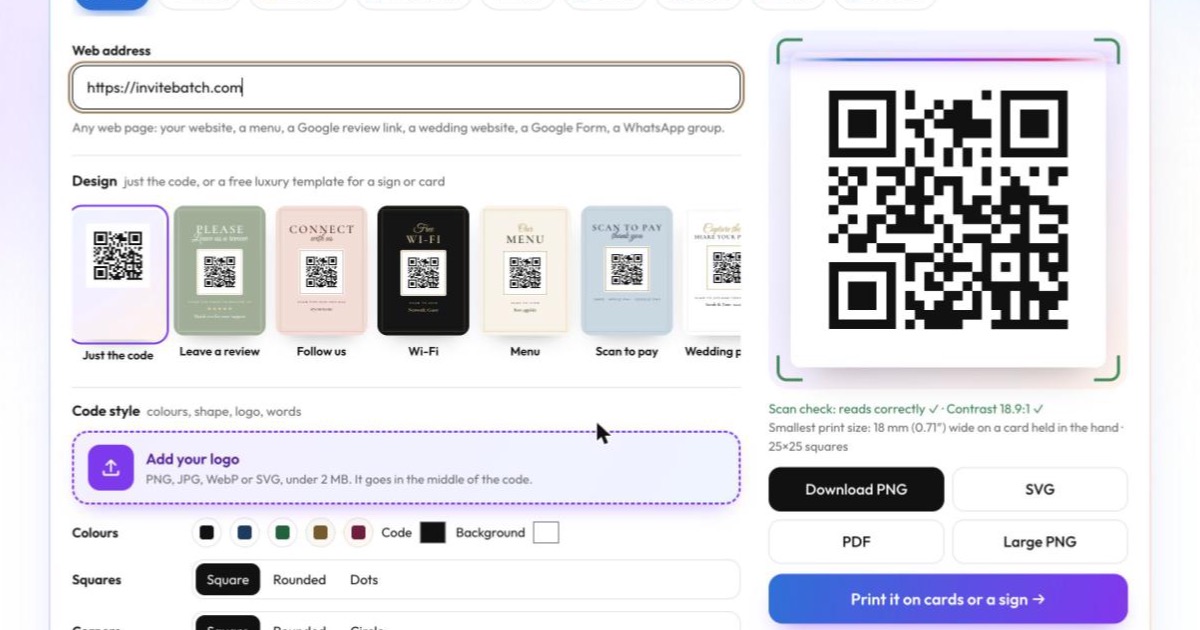
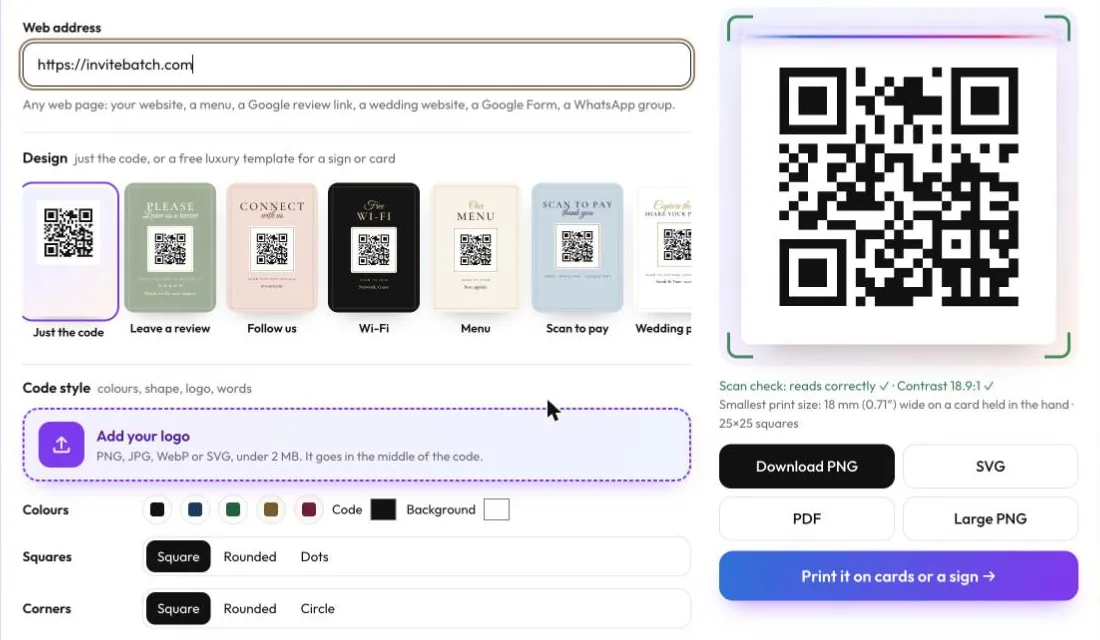
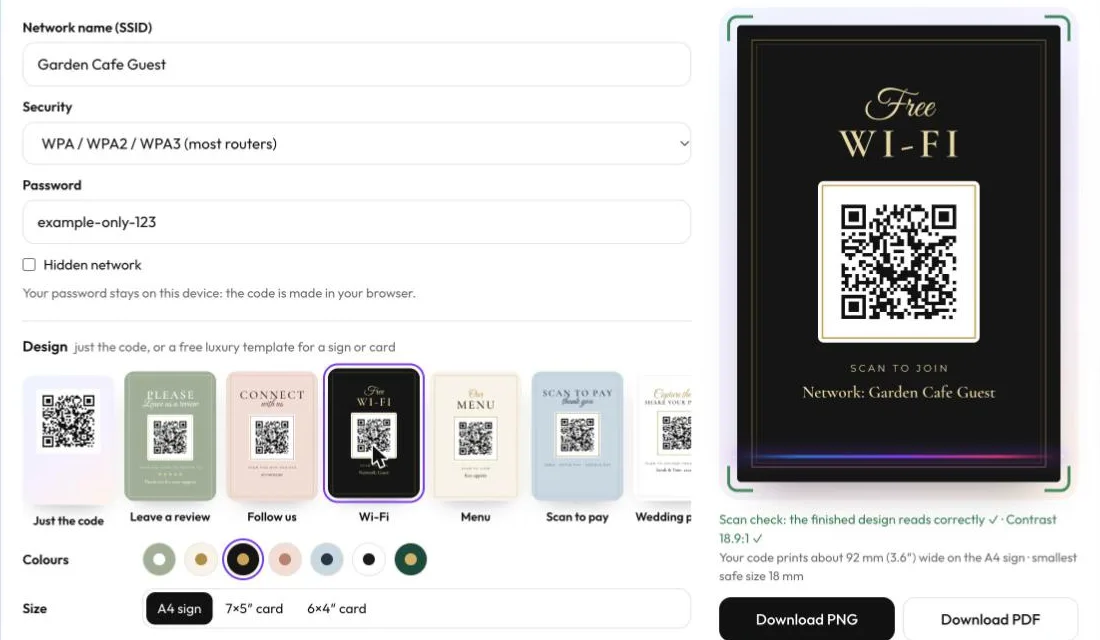
What else is free: colours, rounded squares or dots, corner shapes, words under the code, your logo in the middle, and seven luxury sign templates (leave a review, follow us, Wi-Fi, menu, scan to pay, wedding photo sharing and RSVP). Every download, in PNG, large PNG, SVG and PDF, comes with no account and no watermark. We make money only if you choose to have something printed.
Can I put a logo or colours on a free QR code and still have it scan?
Yes, within limits, and the tool checks them for you. When you add a logo, InviteBatch QR Studio switches the code to the highest error correction (level H), which can rebuild about 30% of the pattern, so the covered middle still reads. Plain codes use level M, which keeps them less dense and easier to print small.
Under the preview, the scan check shows the colour contrast and warns below 4.5:1. In Chrome on Android, a Mac or a Chromebook, it also decodes the finished image itself, including the full sign template, so you know the design scans before you download it. Still test the downloaded file with your own phone.
Colours that scan: dark on light, such as black, navy, dark green or dark brown on white or cream. Colours that fail: a light code on a dark background, red on green, and pale pastels.
How big should a printed QR code be?
At least 2 cm (0.8 in) wide on a card held in the hand, bigger for long links, and about a tenth of the scanning distance for signs. The length of what’s inside the code matters more than most guides admit. These are real numbers from the print studio we use to place codes on customers’ invitations, which never places a code smaller than 18 mm or with squares under 0.5 mm:
| What’s in the code | Characters | Squares across | Smallest safe print size |
|---|---|---|---|
| A short website (invitebatch.com) | 23 | 25 × 25 | 18 mm (0.71 in) |
| A dynamic QR company short link | 28 | 29 × 29 | 18 mm (0.71 in) |
| An InviteBatch RSVP page link | 43 | 33 × 33 | 18 mm (0.71 in) |
| Wi-Fi details (network + password) | 50 | 33 × 33 | 18 mm (0.71 in) |
| A full Google Maps directions link | 140 | 49 × 49 | 25 mm (1 in) |
Two lessons from that table:
- Long links make dense codes. A 140-character Maps link needs nearly twice as many squares across as a short web address, so it needs printing about a third bigger. If you can, use a shorter link (your page’s main address, not one full of tracking tags).
- Dynamic codes don’t make your code smaller in practice. Their short link saves a few squares, but a short static link fits at the same 18 mm.
For a sign read from about 1 metre (3 ft), print the code around 10 cm (4 in) wide. On our A4 sign templates the code prints about 92 mm (3.6 in) wide. Always leave a clear white margin (the “quiet zone”) round it.
How do I print a QR code that won’t expire?
You can do it yourself or have us print it.
- Do it yourself: download the SVG or PDF for Canva, Word or InDesign (they stay sharp at any size), or the large PNG. Place it with a white margin, print a test, and scan it with two different phones before you print the rest.
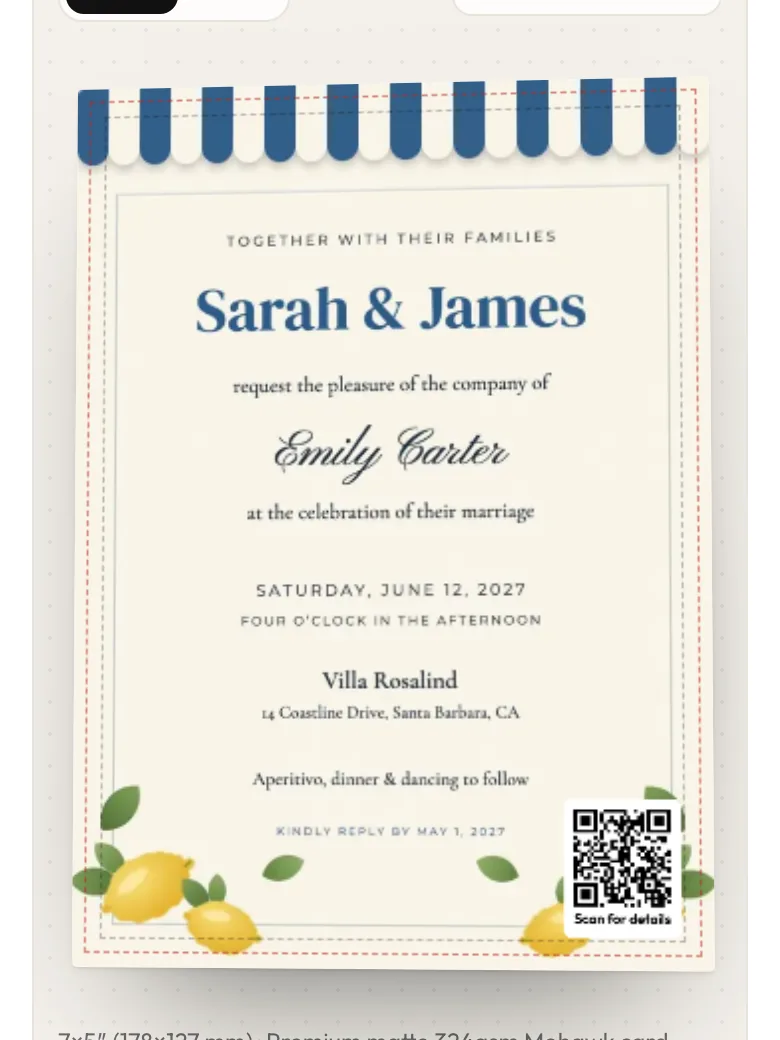
- Put it on your invitations: in QR Studio, press Print it → On my invitations or cards, upload your finished design (PDF, PNG or JPG), and the code is placed on the front or back inside the safe area, at a safe size, on a white panel. We print from 1 card. One card delivered in the UK starts from £10.51. You can also start directly at print invitations with a QR code.
- Print a sign: choose one of the free templates and we print it as an A4 sign for £12.99 delivered in the UK, or as 7×5 in (127×178 mm) or 6×4 in (102×152 mm) cards.
We print in 1–3 working days and deliver to the UK, United States, Canada and 13 EU countries. You see the proof and the full delivered price before you pay, and you don’t need an account. Prices above are UK prices on 17 November 2026; visitors in the US see prices in US dollars, and Europe in euros.
Is a free QR code generator safe for my Wi-Fi password and details?
With InviteBatch QR Studio, your details never leave your device. The code is made in your browser. Your Wi-Fi password, contact details and text are not sent to us while you make or download a code, and we don’t keep a copy. We only count, without cookies, which type of code was made.
Two things do reach us, and only when you choose them: the RSVP page (its details and your email, so we can send your private link and guests’ replies) and a print order (the print file and your delivery address).
The same rule protects the people who scan your code. A static code contains exactly what you typed, with no tracking redirect in between.
Can ChatGPT make a QR code?
Not reliably. An image generator draws a picture of a QR code, and it usually doesn’t scan or opens nothing. Use a real encoder, then test it with your phone. If ChatGPT made your invitation, you can still upload it and add a real QR code before we print it.