InviteBatch team
In this guide
The short answer: give each QR code one job (RSVP, directions or your wedding website), print it at least 2 cm (0.8 in) square in dark ink on a light background, put it on a small card rather than the main invitation, label it ("Scan to RSVP", "Scan for directions") and test the printed card with two different phones before printing the rest.
What a wedding QR code can open
| Link | Best on | Why |
|---|---|---|
| RSVP form | RSVP card | Guests reply in seconds instead of mailing a card back. |
| Directions to the venue | Map card or details card | Opens the route in Google Maps, no typing. |
| Wedding website | Details card | Hotels, dress code, schedule, registry. |
Use one code per job. A single code that opens a page with "RSVP / directions / website" buttons adds a step and most guests stop there.
Personal RSVP codes beat one shared code
A shared RSVP code makes every guest type their name, and some will reply as "Smith family" or forget. A personal code per guest opens their own invitation and RSVP form, so you know exactly who answered. InviteBatch prints RSVP cards with a personal QR code for every guest and shows each scan in your RSVP dashboard. See wedding RSVP tracking.
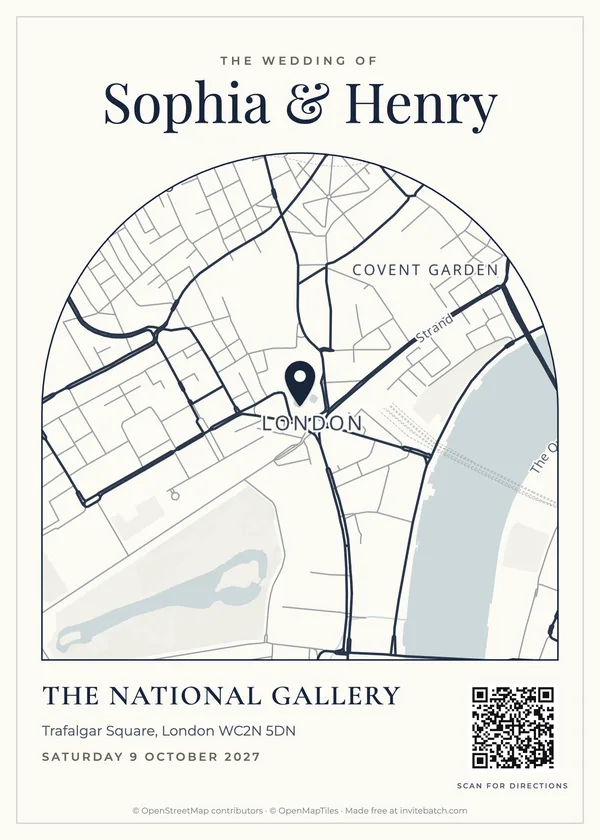
Directions: put the code on a map card
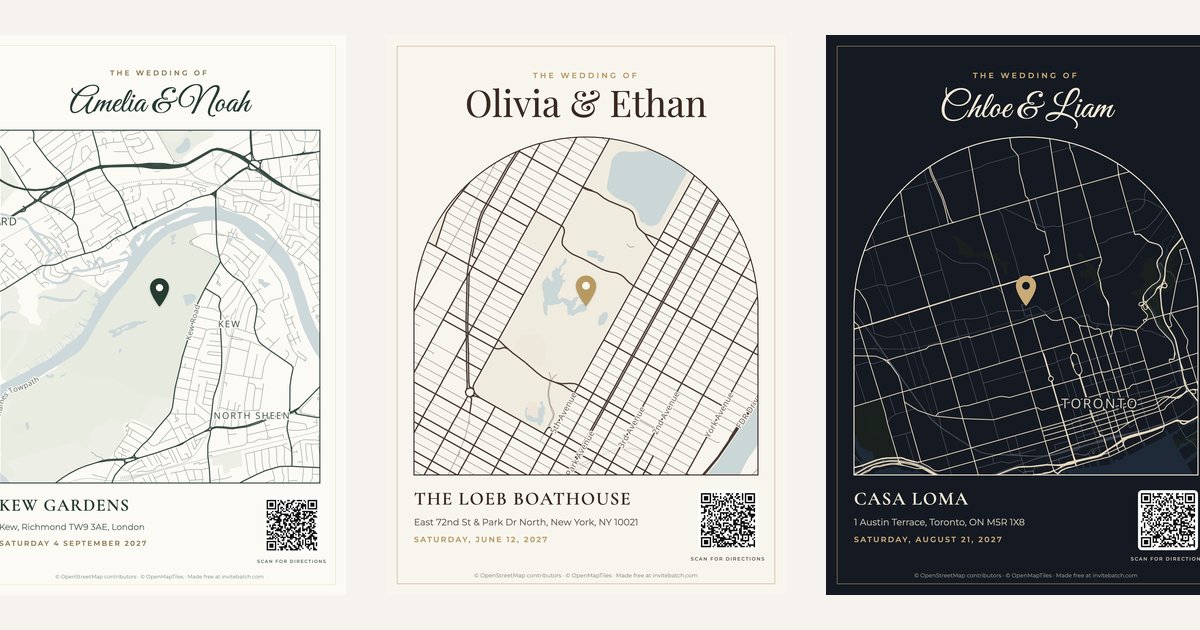
A directions code works best next to a map: guests see where the venue is, then scan for the route. Our free wedding invitation map maker adds a "Scan for directions" QR code to the map card automatically. It opens Google Maps directions straight to your pin and needs no account or subscription, so it keeps working.
Size, contrast and the quiet zone
- Size: at least 2 cm / 0.8 in square; 2.5 cm / 1 in for older phones or long links.
- Contrast: dark code on a white or very light background. Gold foil, pale blush or white-on-dark codes often fail.
- Quiet zone: leave a blank margin around the code about as wide as four of its small squares.
- Matte paper: glossy or metallic cardstock reflects light and can stop a scan.
Where to put it
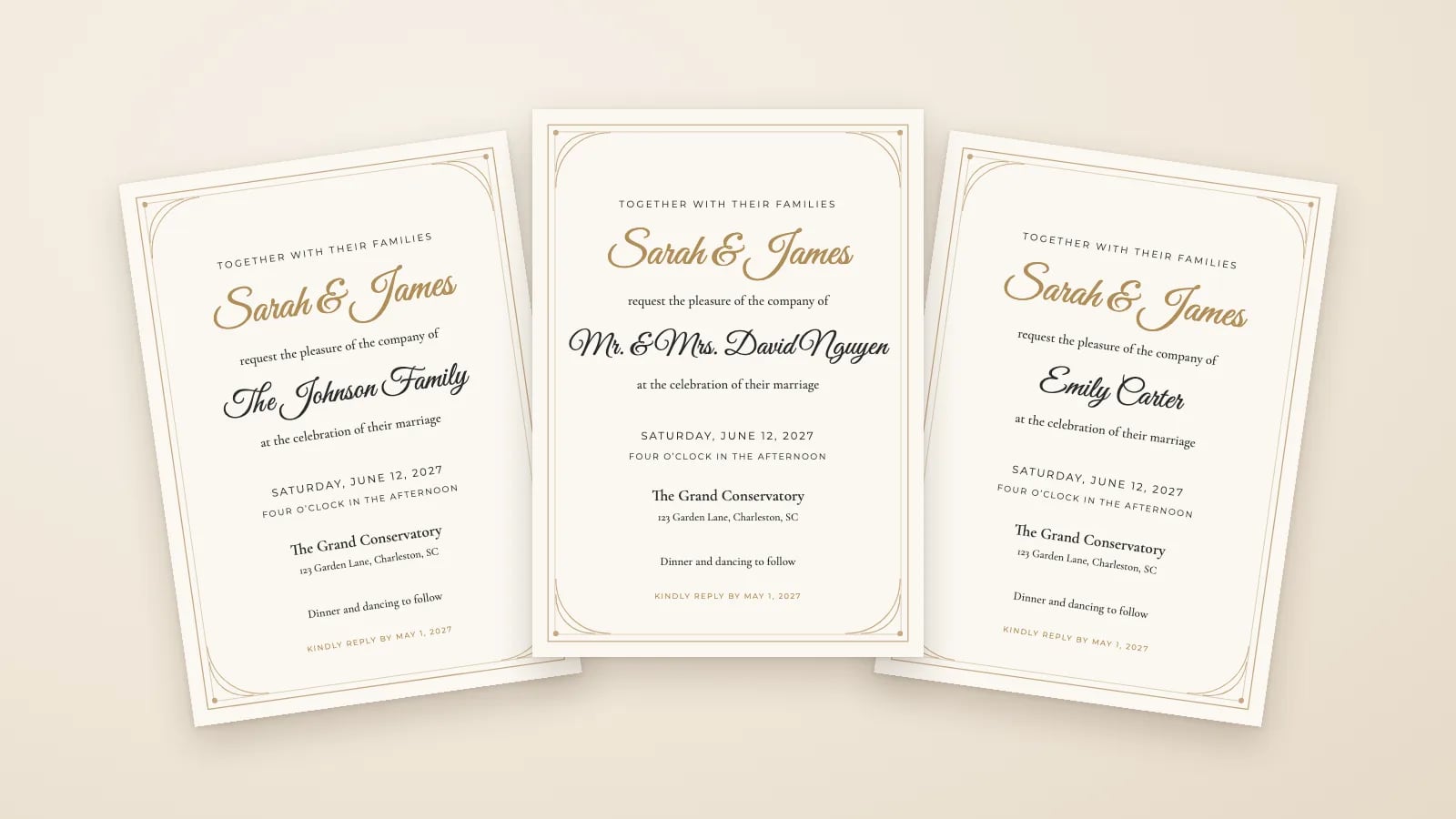
- Not on the front of the main invitation. Keep the invitation clean and put codes on the RSVP card, map card or details card.
- Bottom corner of the card, with a short label underneath: "Scan to RSVP", "Scan for directions".
- Add a fallback for guests without a smartphone: a short web address or a phone number.
Test before you print the batch
- Print one card at actual size on the real cardstock.
- Scan it with an iPhone and an Android phone, from about 20 cm (8 in) away.
- Check it opens the right page: the right guest's RSVP, or directions to the right gate.
- Only then print the rest.